Portal Migration Suite
Continuously sync data between two or more HubSpot portals.
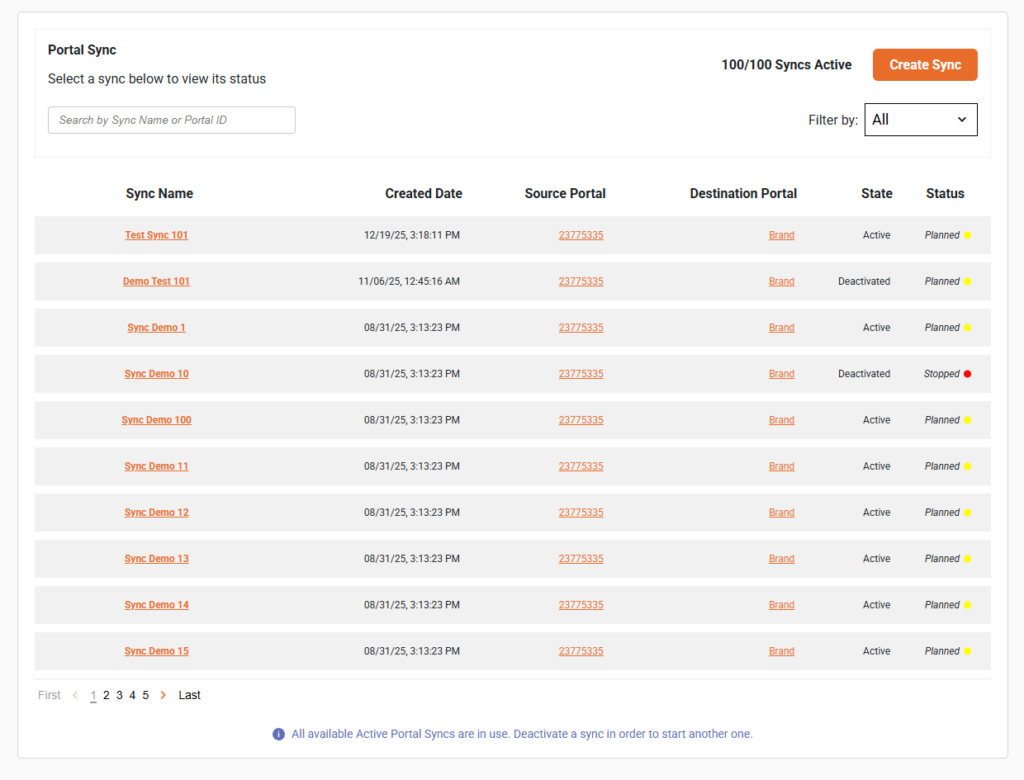
HubSpot Portal Sync is a comprehensive solution for continuously syncing data between multiple HubSpot portals. Share leads, sync deals and contacts, or push data from several portals into a single parent portal — the possibilities are endless.
Pricing
Portal Sync is capable of syncing data in near real time, or on a set schedule between up to 1000 HubSpot portals.
Franchise Sync
tailored to your needs
For franchise and multi-portal organizations. Customized and configured to your business’ needs.
Scheduled
per month · or $149/mo billed annually
Keep portals aligned on a set schedule, with Selective Sync control over which records are enrolled.
Continuous
per month · or $399/mo billed annually
Everything in Scheduled, running continuously — records keep flowing between portals as they change.
Every plan includes unlimited data volume. Volume discounts are available — Contact Sales.
What Portal Sync can synchronize
Portal Sync can automatically sync the following schemas and data between multiple HubSpot portals on a recurring basis.
Unlimited volume: Portal Sync can synchronize an unlimited amount of data endlessly. See the setup guide for details.
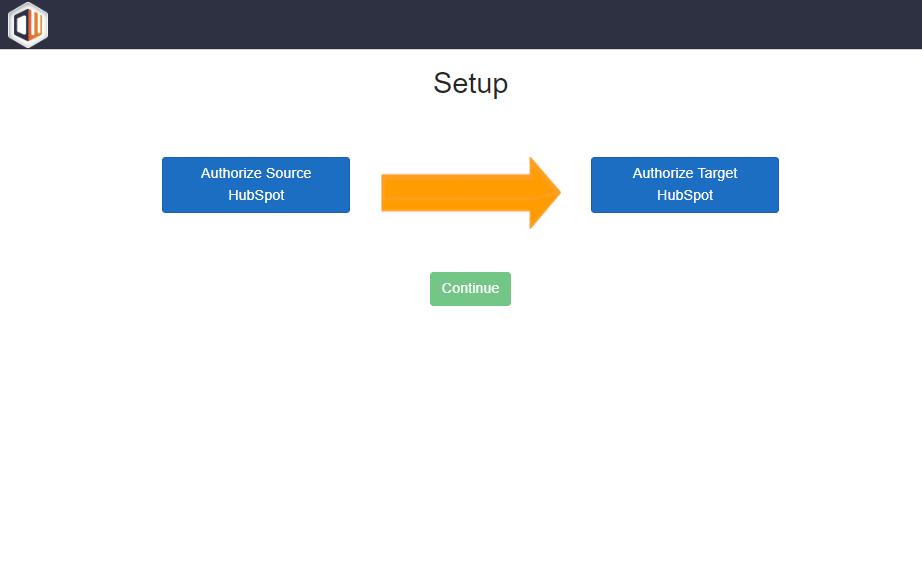
App configuration occurs after you sign up for Portal Sync. After you are signed up you can visit the user panel in order to create, start, stop, and edit your syncs.
The app syncs data continuously, or on a schedule, from one portal into another. You can control which records sync using Selective Sync. And you can pick and choose which objects you want to sync with our robust filtering options.
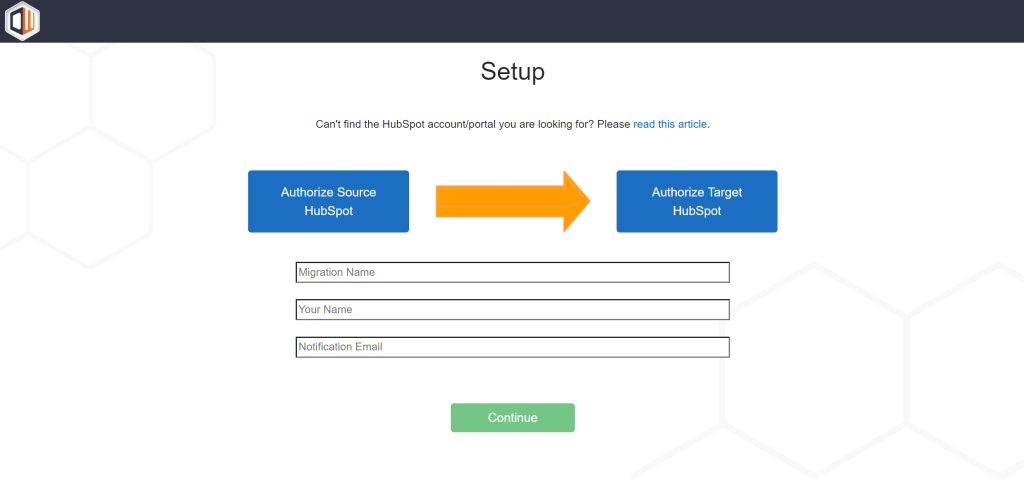
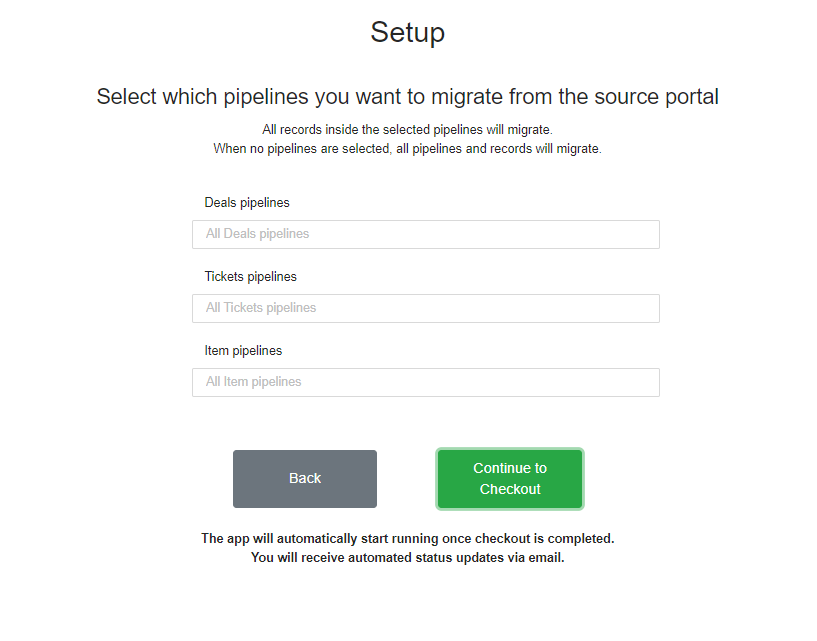
Portal Sync is able to filter data so that you can decide what is and is not synced. The application is able to filter data in the following ways.

Frequently asked questions
How is Portal Sync different from the HubSpot to HubSpot Migrator?
The Migrator performs a one-time move of your schema and data into another portal. Portal Sync keeps portals aligned continuously — records keep syncing on a recurring basis for as long as you are subscribed.
Is this a subscription?
Yes. Portal Sync is billed monthly or annually and syncs continuously while your subscription is active.
What can Portal Sync synchronize?
Contacts, companies, leads, deals, deal splits and tickets; deal, ticket and custom object pipelines; custom objects and custom properties for all objects; line items and products, courses, projects, appointments, listings and services; engagements, attachments, forms schema and segments; brands, owners and users, currencies, and associations between all records.
Can I control which records are synced?
Yes. Selective Sync lets you choose which records are enrolled from your source portal, manually or with HubSpot automations. You can also filter by brand, deal pipeline, properties and property groups, forms, segments, and custom objects.
Is there a limit on how much data I can sync?
No. Portal Sync can synchronize an unlimited amount of data endlessly.
Do I need to be a Super Admin?
Yes. You must be a HubSpot Super Admin to setup the sync.
Is it secure and GDPR compliant?
Yes. All Datawarehouse.io apps are GDPR compliant and your data is processed in Microsoft Azure’s EU West or North American data centers depending on your location. Datawarehouse.io is SOC 2 compliant and this app is certified by HubSpot.
All Datawarehouse.io apps are fully GDPR compliant. Depending on where you are in the world, your data will be processed and hosted in Microsoft Azure’s EU West or North American data centers.