Unlimited, on demand
Run as many migrations as you need, whenever you need them.
Portal Migration Suite
Migrate, clone, and stage HubSpot data between any portals — production, sandbox, or developer. Unlimited runs, on demand, as many times as you need.
What is the HubSpot Portal Toolkit?
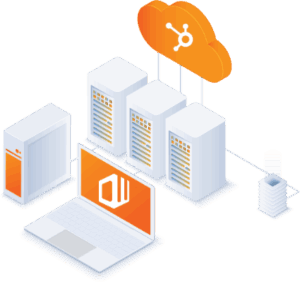
The HubSpot Portal Toolkit is a comprehensive solution for migrating, cloning, and staging your data in HubSpot. Move your data as often as you need to, when you need to, as many times as you need to.
Perform data migrations, merge portals, create change sets, test apps, and QA changes in a sandbox or developer account. It is purpose built for HubSpot so you can move data and schemas from any type of portal to another without manual migration teams or homebrewed scripts — saving time and reducing human error.
Run as many migrations as you need, whenever you need them.
Move data and schemas between production, sandbox, and developer accounts in any direction.
Create, name, save, and push change sets so you can QA and QC changes before they reach production.
Website pages, landing pages, blogs, design manager assets, page templates, and HubDB — not just CRM records.
billed monthly.
Unlimited Use.
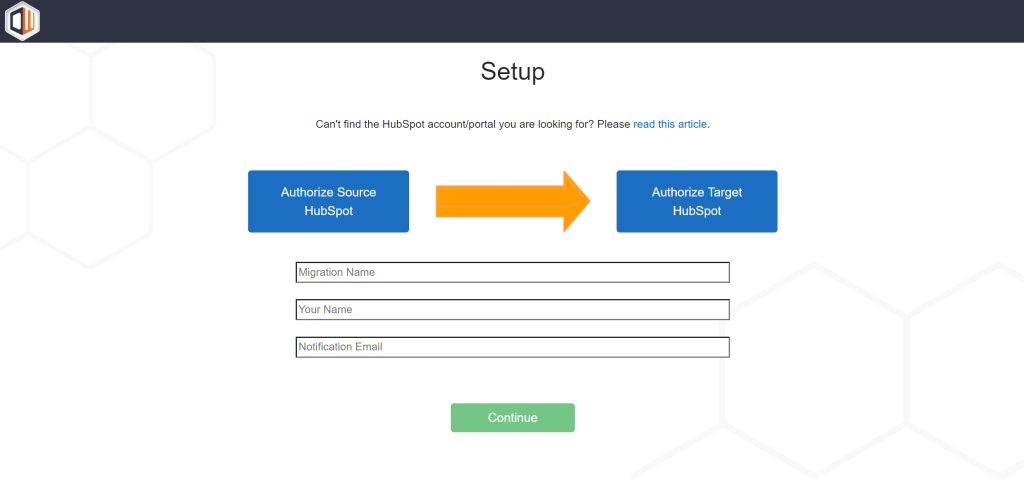
Click Get Started to create an account and sign up for the Portal Toolkit. Access to the app is granted after you complete signup. You can access it the User Panel.
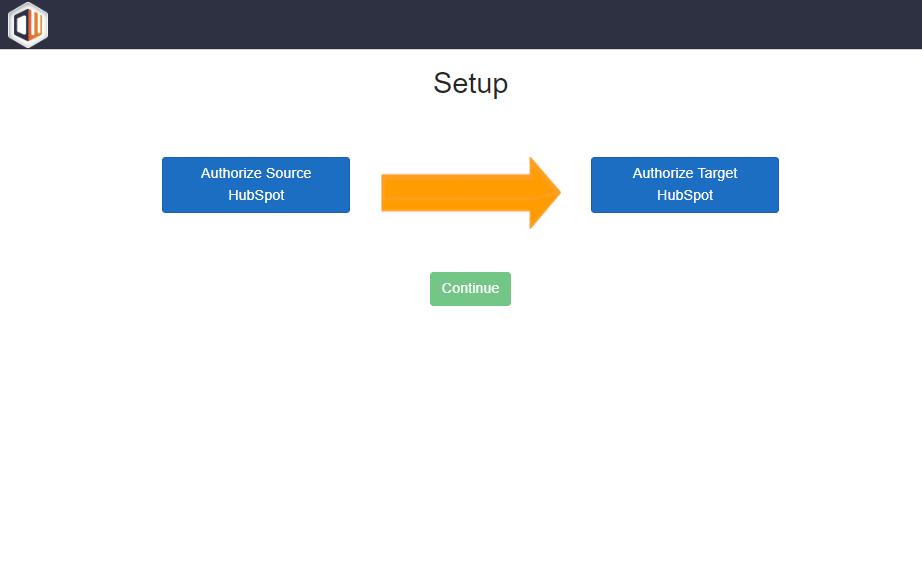
To configure a run in the user panel click Create New Migration. After clicking you will be re-directed to the apps authorization page. From here you need to authorize your Source and Target HubSpot portals.
The source is where your data and schemas will be migrated from. The target is where they will be copied too. Once you have authorized both portals click continue to configure the rest of the migration.
After you configure your migration you will be re-directed back to the user panel where you can initiate your migration on demand. Once you initiate a run you will receive email updates throughout the process and be able to see updates live in the user panel.
We have extensive support documentation that can be found here. If you want a demo of the application please reach out to us here.
What the Toolkit can migrate
The Portal Toolkit can automatically migrate the following schemas and data between HubSpot portals — an unlimited number of times, on demand.
Unlimited runs: everything above can be migrated as many times as you need. See the setup guide for details.
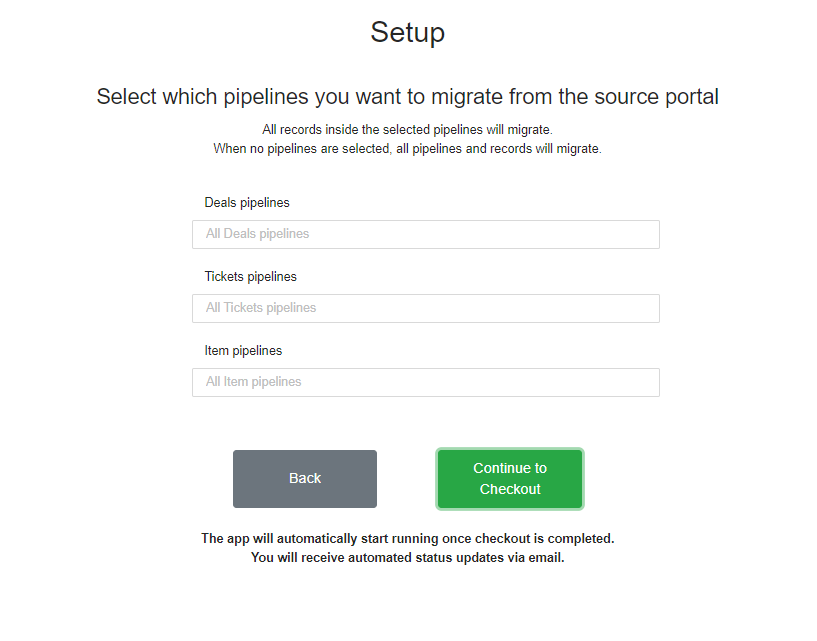
The HubSpot Portal Toolkit is able to perform unlimited advanced migrations, which allows users to filter data to meet their advanced needs. The application is able to filter data in the following ways.

Frequently asked questions
How is the Toolkit different from the other suite apps?
The HubSpot to HubSpot Migrator performs a single one-time migration, and Portal Sync keeps portals continuously aligned. The Toolkit is for teams that move data repeatedly — unlimited on-demand runs between any portals, including sandbox and developer accounts, plus CMS and Historical content the other apps don’t move.
Is this a subscription?
Yes. It is billed monthly or annually, and you can run an unlimited number of migrations for as long as your subscription is active.
What can the Toolkit migrate?
CRM records and custom objects, pipelines and properties, engagements, files and attachments, forms schema, segments and folders, CMS content such as website pages, landing pages, blogs, page templates and HubDB, plus marketing emails, campaigns, workflows, brands, owners and users, currencies, and associations between all records.
Can I filter what gets migrated?
Yes. The migration schema is fully customizable, and you can create, name, save, and push change sets on demand. Filter by brand, deal pipeline, properties and property groups, forms, segments, workflows, and custom objects.
How many migrations can I run?
An unlimited number — move an unlimited amount of data and schemas between portals as often as you need while subscribed.
How long does a migration take?
Up to 24 hours depending on the size of your HubSpot database.
Do I need to be a Super Admin?
Yes. You must be a HubSpot Super Admin in order for the app to function.
Is it secure and GDPR compliant?
Yes. All Datawarehouse.io apps are GDPR compliant and your data is processed in Microsoft Azure’s EU West or North American data centers. Datawarehouse.io is SOC 2 compliant and this app is certified by HubSpot.
All Datawarehouse.io apps are fully GDPR compliant. Depending on where you are in the world, your data will be processed and hosted in Microsoft Azure’s EU West or North American data centers.